new
improved
Calendar
View Calendar Appointments in User Timezone
In this release, we introduce a significant enhancement – the ability to
view
calendar events, appointments and confirmation emails in the user's timezone.
Previously, all users could only view their appointments and confirmation emails in the business timezone. With the
new update
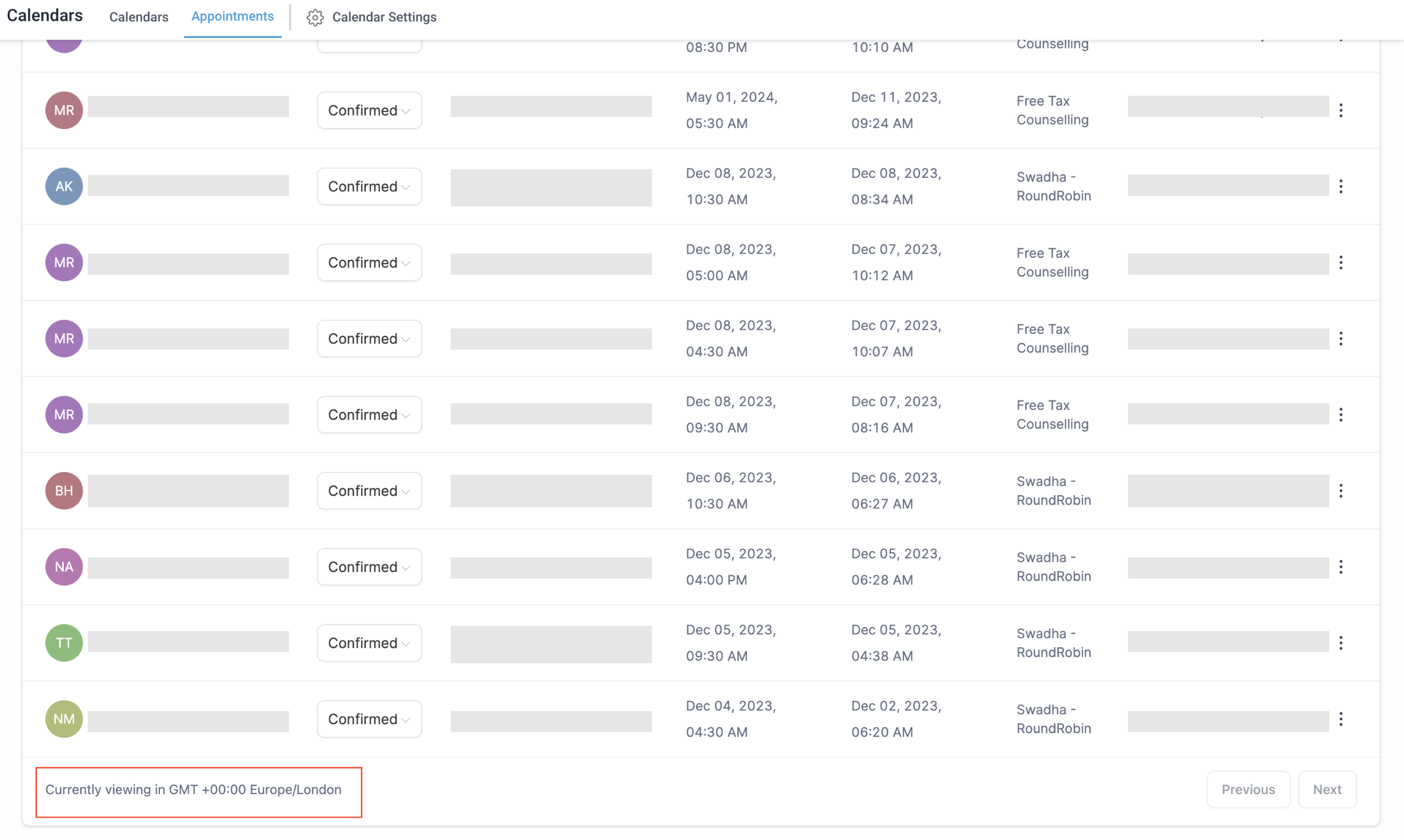
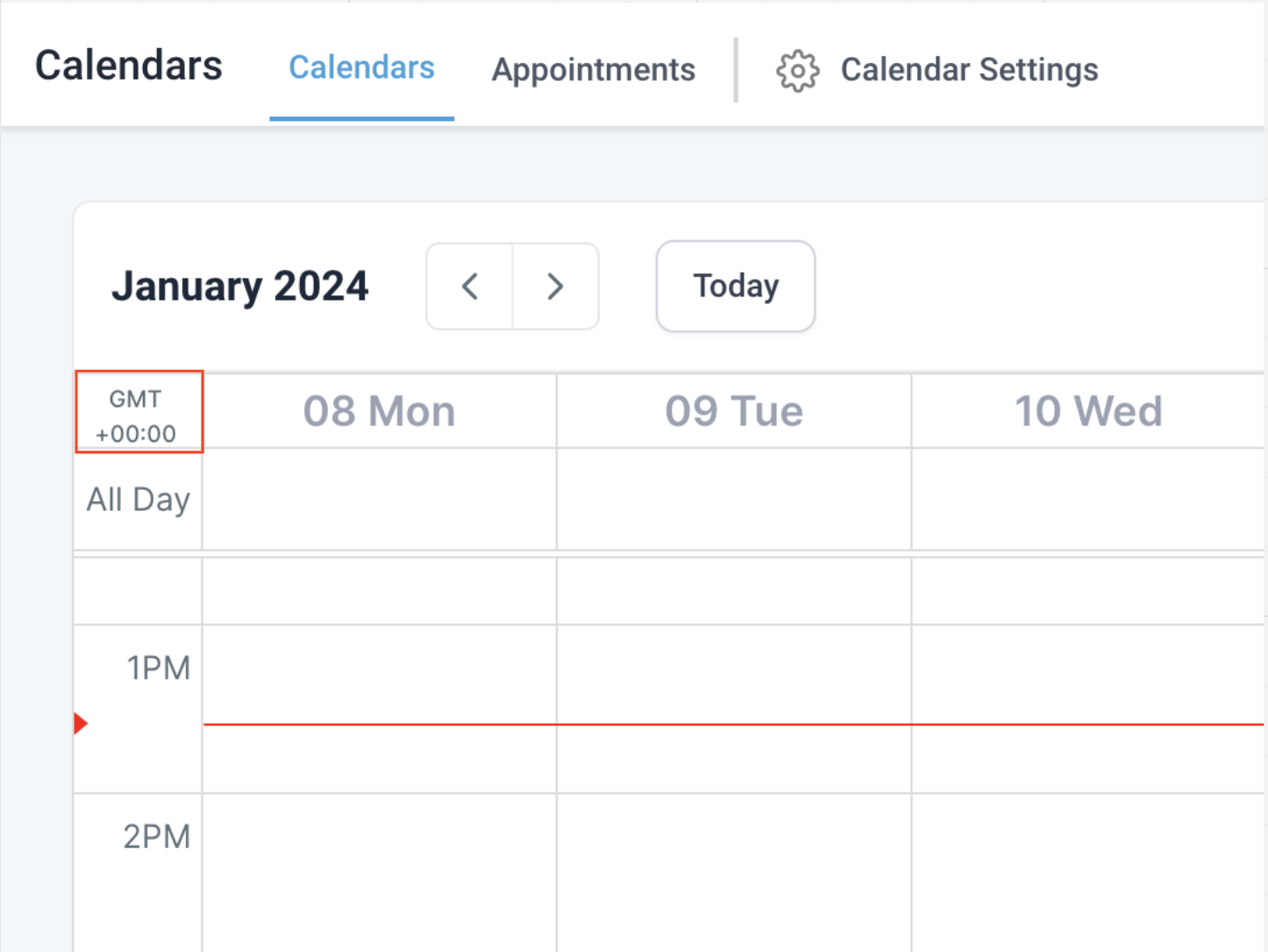
, user's selected timezone will be used to display all appointments in the calendar module, ensuring a personalized and accurate representation
of their schedule.User Timezone
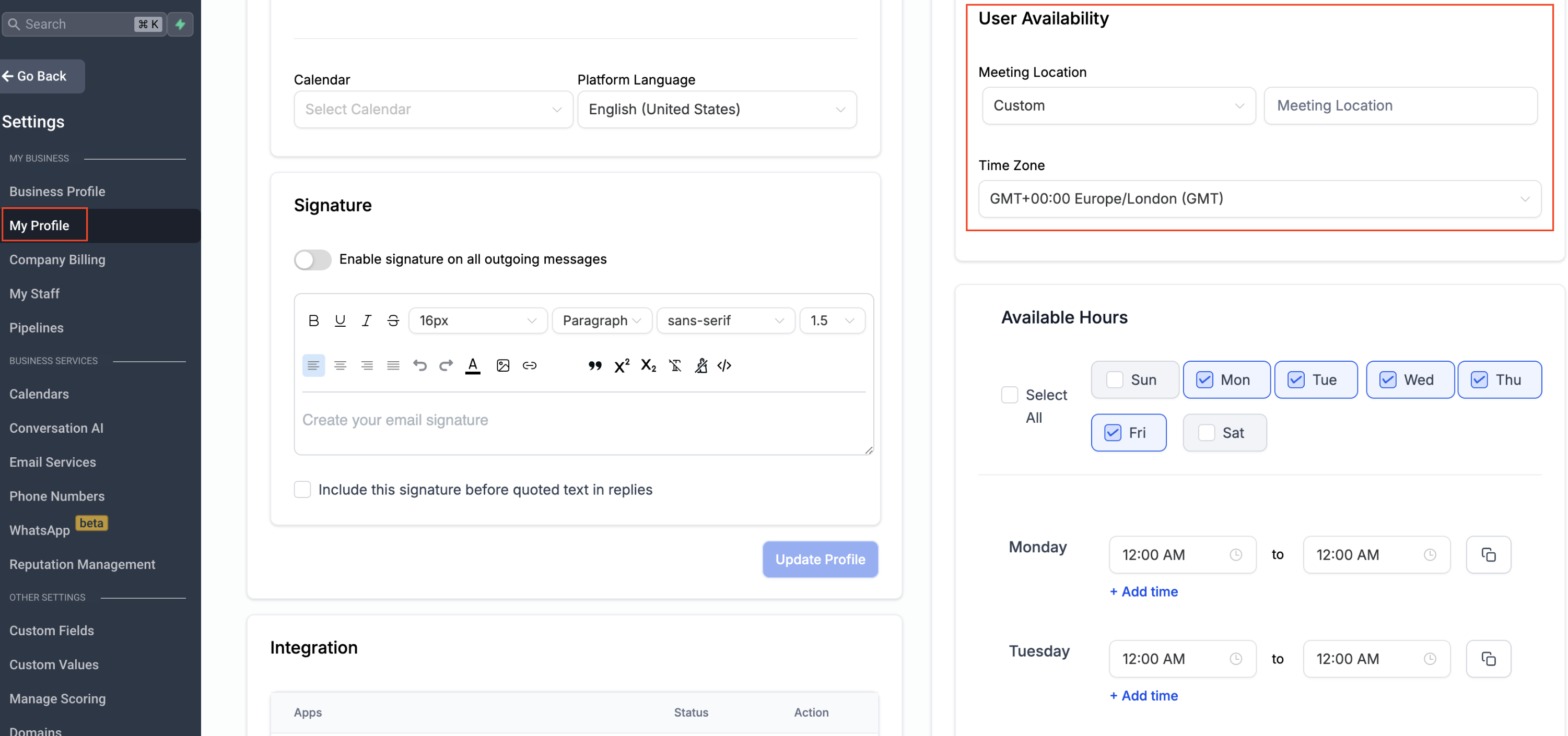
The selected timezone under
"Settings > My Profile > User Availability"
will be used to display all appointments in the calendar module.Impacted Areas (Calendar Module)
- Calendar View
- Appointment List
- Confirmation Email