
new
Funnels and Websites
UI Enhancement and Internationalisation of Domains Page 🌍
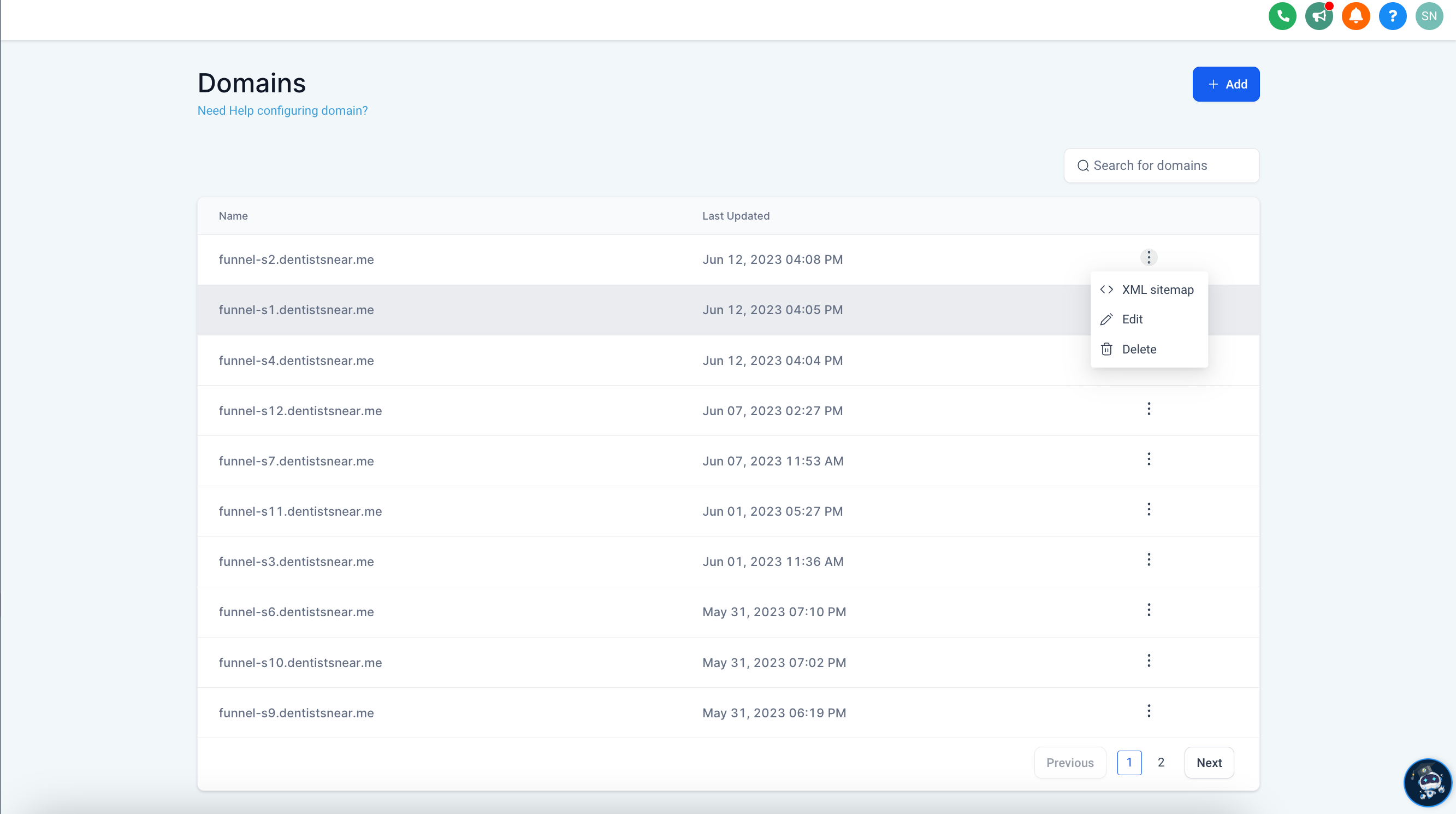
We are excited to announce the latest updates to our domains page with new designs.
We also included internationalisation support in Domains Page, which introduces comprehensive internationalisation support. This update empowers users around the world to access our product in their preferred language and enhances their overall experience.
✨ What's New:
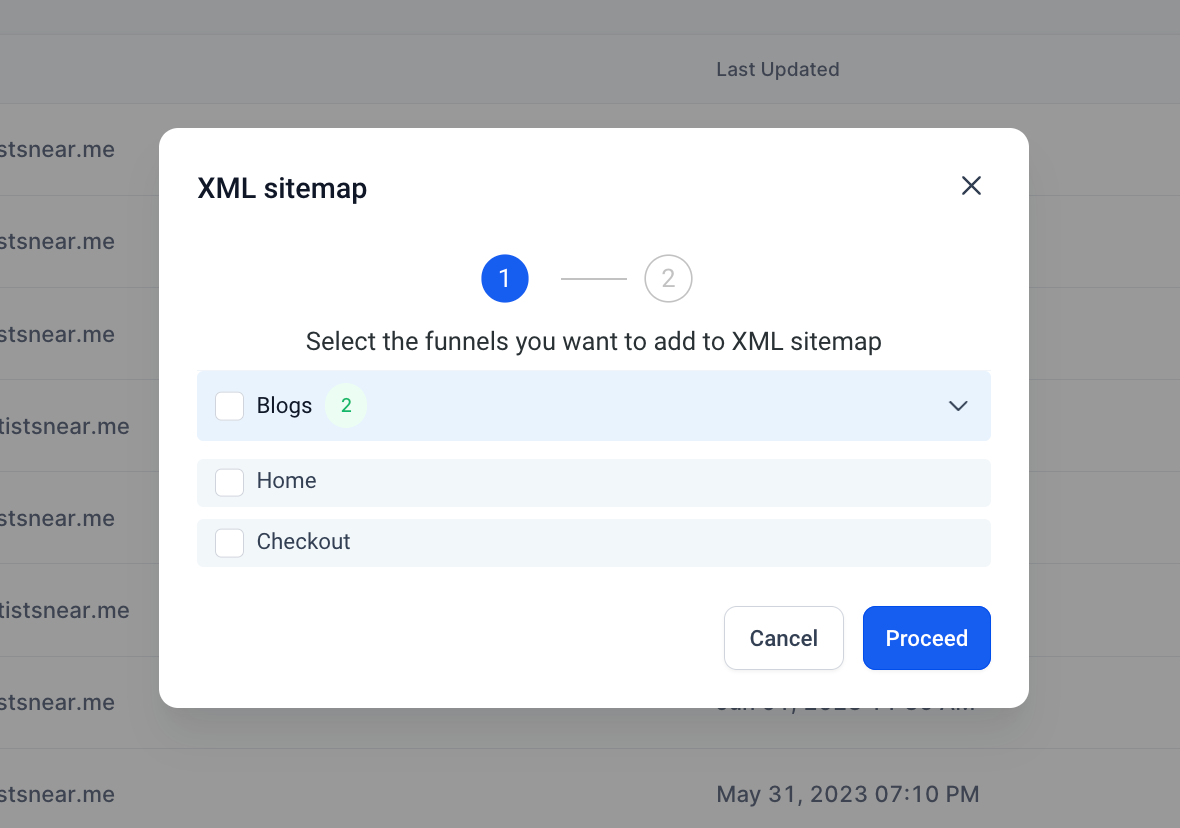
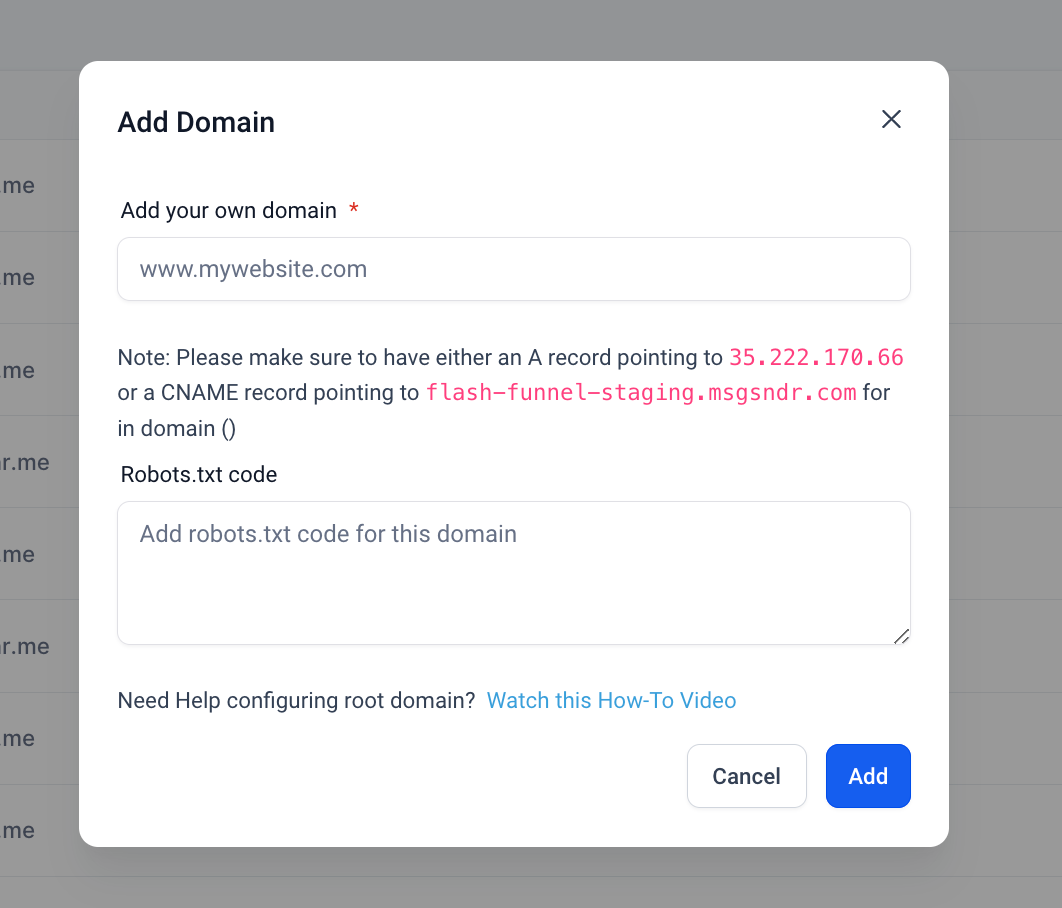
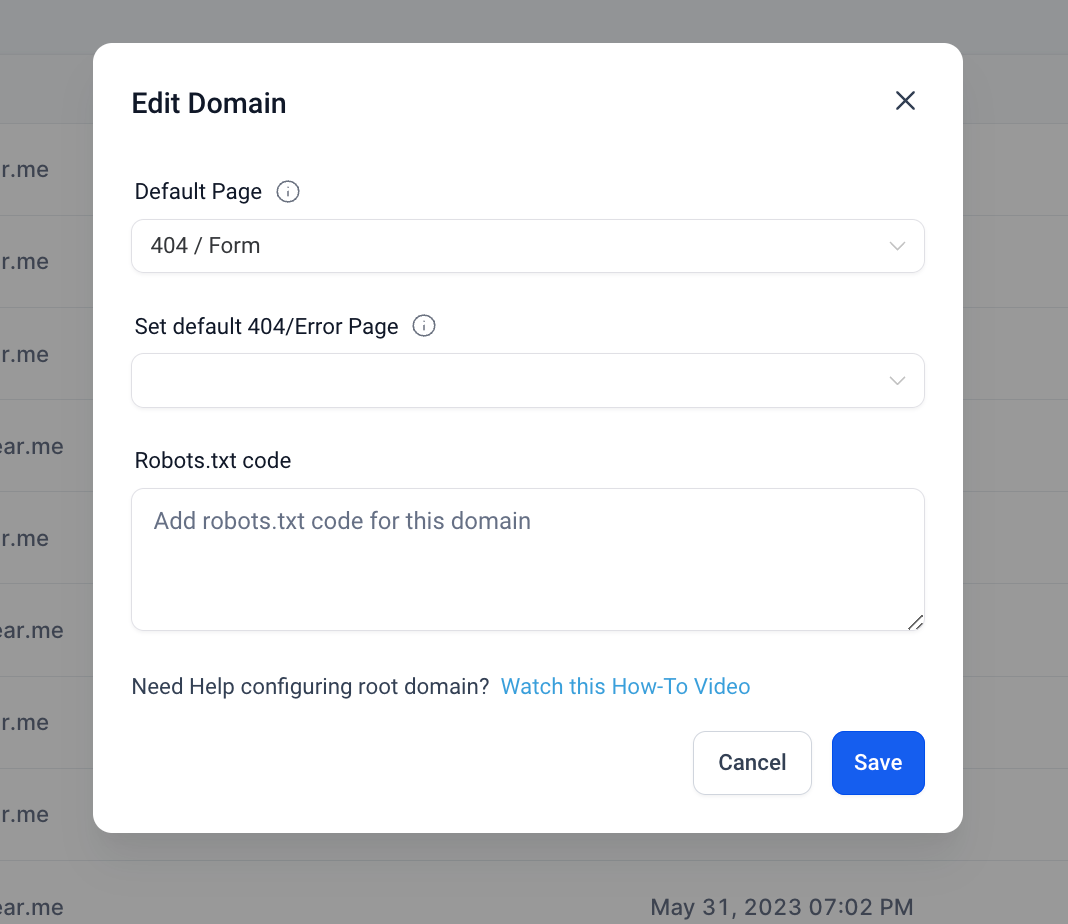
🚀 New Designs of all the elements of the domain Page
😇 Added search functionality in domains
🌐 Users can now select their preferred language from a comprehensive list of options.
📝 The Domains Page will display all text elements in the selected language, including buttons, labels, modals and error messages.
🌍 Our internationalisation support now includes the following languages:
- German 🇩🇪
- Spanish 🇪🇸
- French Canada 🇨🇦
- French France 🇫🇷
- Dutch 🇳🇱
- Portuguese Portugal 🇵🇹
- Portuguese Brazil 🇧🇷
- Italian 🇮🇹
- Swedish 🇸🇪
- Finnish 🇫🇮
- Norwegian 🇳🇴
Users can now interact with the Domains page in their preferred language, making it easier for non-native English speakers to use them effectively. This feature enhances usability and provides a better overall experience for users.
🔮 What's Next:
We are committed to expanding our language support on the platform. Stay tuned for future updates on exciting new languages being added to this feature! 🌟
🛠️ How to Enable Language support?
- Go to your Sub-Account settings.
- Navigate to the Business Profile section.
- Select the Platform Language Preference.

New Designs of Domains Page
- Domain List Page
- XML Sitemap Popup
- Add Domain
- Edit Domain
Example for Spanish language


