new
Funnels and Websites
Page view trigger for funnels/websites 🚀🚀
🔥🔥 Presenting one of the most requested features! 🔥🔥
We are introducing "Page view trigger" feature in workflows, which will allow you to set up automation on funnels and websites. This will lead to personalized and effective customer interactions basis customer page visits.
🤩
Some key features & benefits:
- Targeted and timely automation enabled by trigging workflows based on customer page visits
- Enhanced customer engagement tracking through page view history in the contact record
- Helps in identifying "most engaged" users basis visit summaries
😎
How to use:
- Navigate to the Workflow
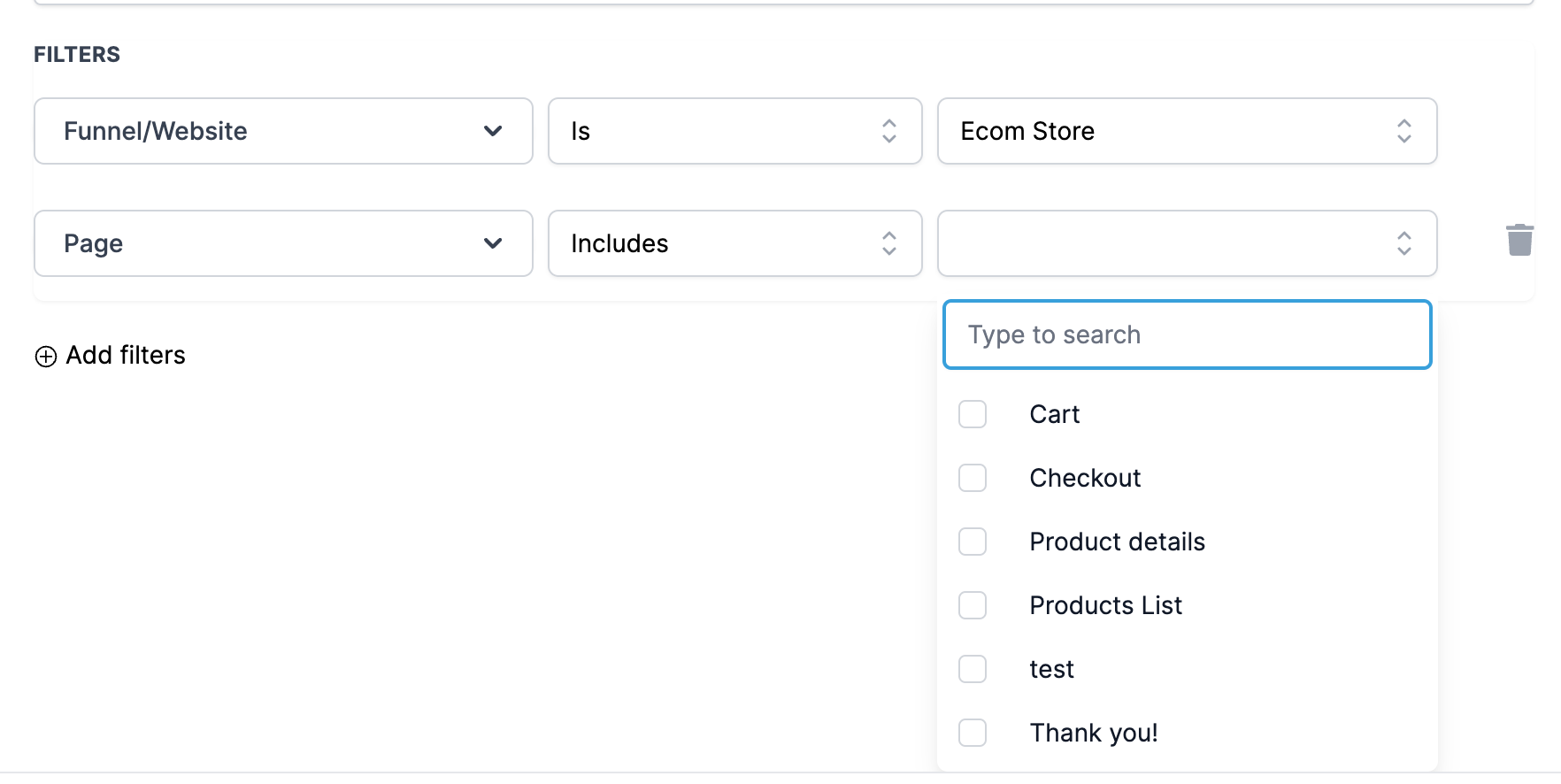
- Click on Add Trigger and select "Funnel & Website Page view" trigger under events category
- Select Funnel/Website
- Select Page/Page URL (Optional)
- Add UTM Parameters (Optional)
❗Kindly note: "Page Visited Trigger" will only be activated if the visiting customer's details exist within the webpage. This ensures that the workflow automations are executed with accurate customer context and engagement data.