new
CRM
Conversations
Making Attachments easy in Email and SMS
Users can now conveniently upload large files directly from their devices, offering greater flexibility in sharing files within conversations.
Key features:
Automatic Media Library Uploads
(email and sms composer) - We’ve simplified the process for managing attachments. Users can now upload large-sized attachments directly from their device.
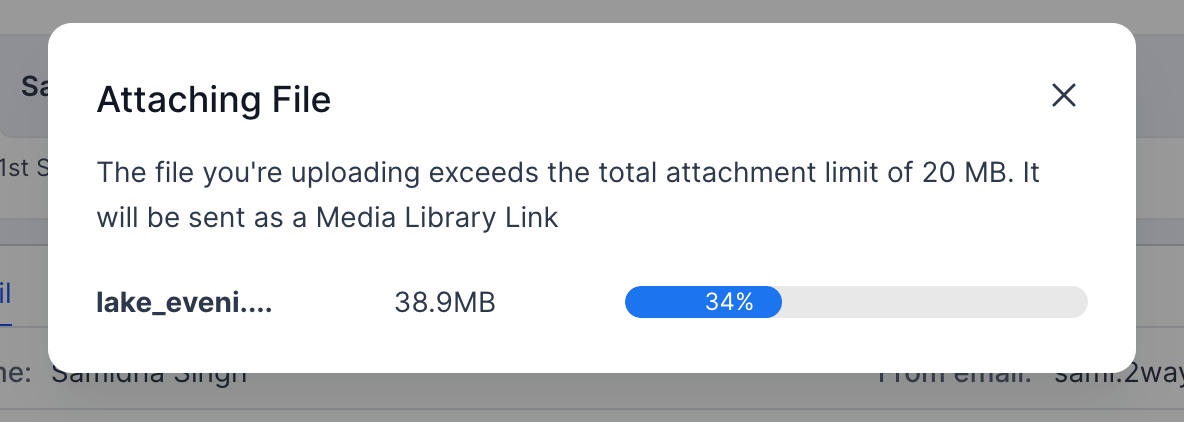
- All files in SMS and any exceeding the email attachment limit (20MB) will be automatically uploaded to the media library.
- These attachments will be added directly as media library links.
Attachment Choice :
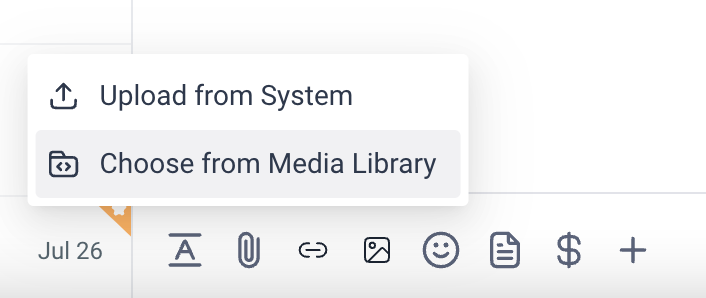
- Users now have the freedom to choose if they want to upload attachments via their device or media library
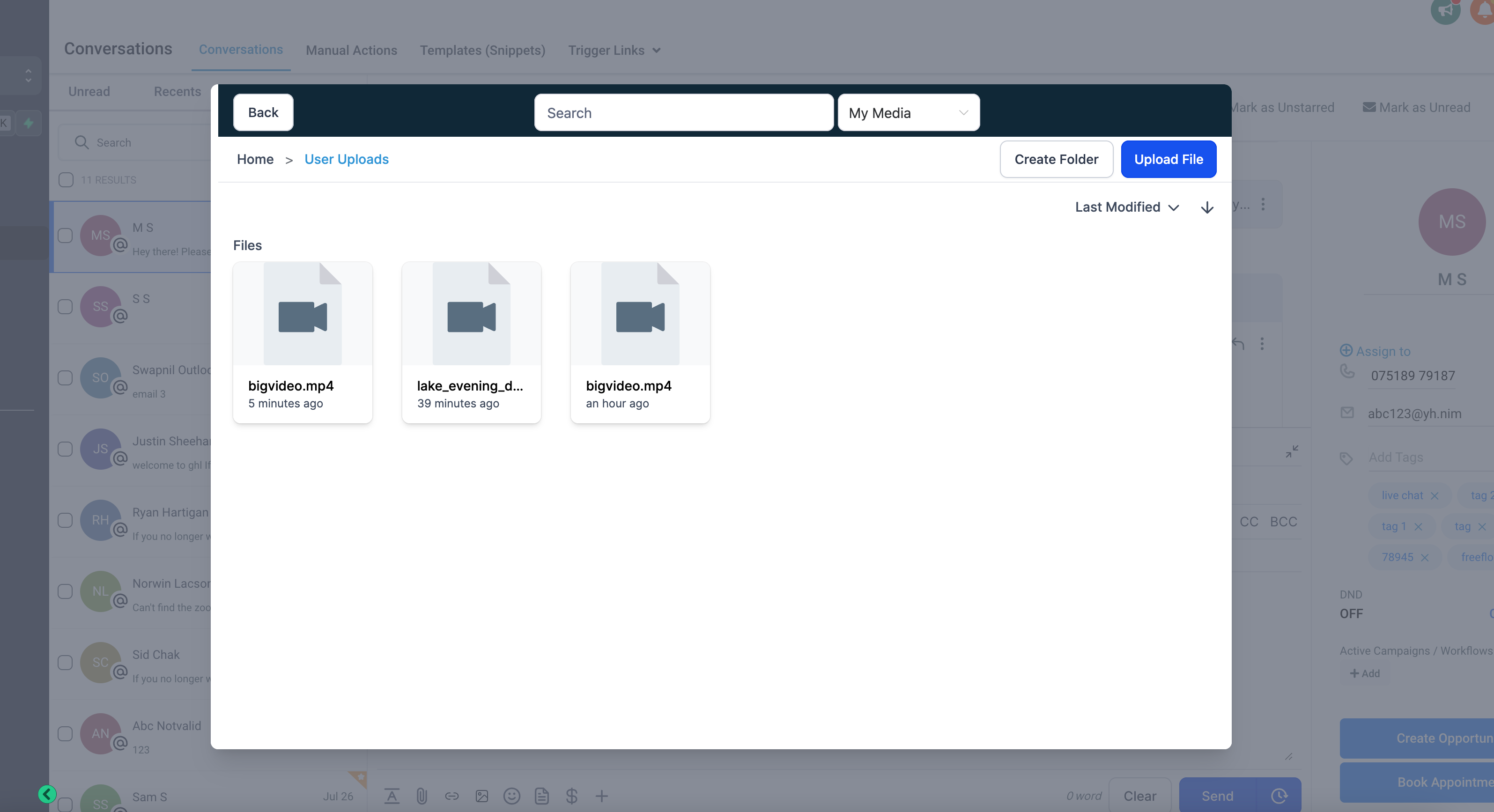
- If users select Media Library, a modal opens up and they can directly choose which file they wish to upload
Interactive Video Thumbnails :
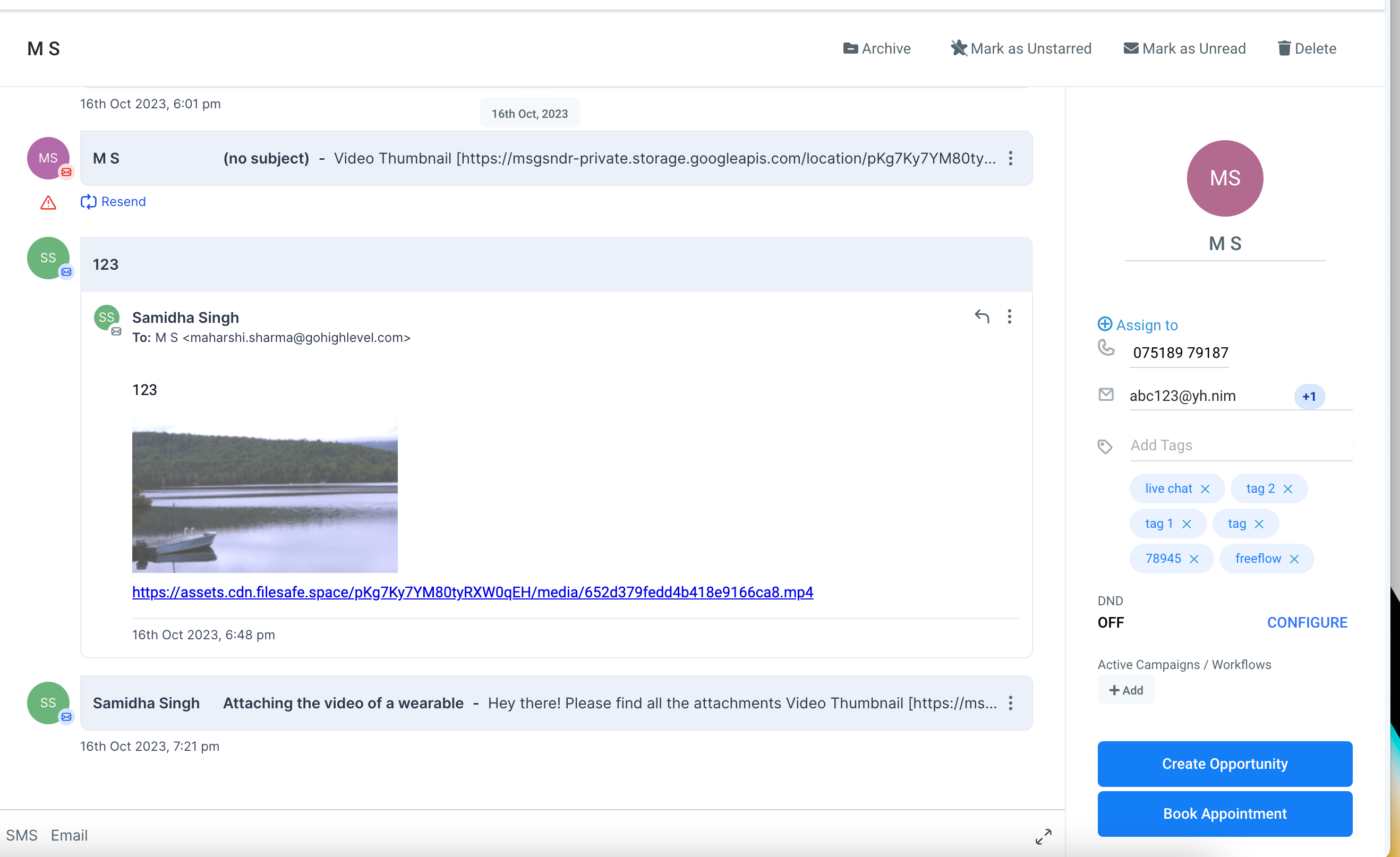
- To make emails more engaging, we will now automatically create gif thumbnails for videos uploaded through media library.
Users no longer need to employ workarounds like manually compressing files or using external file-sharing services,. This feature streamlines the process, saves time and simplifies the sharing of files.The automatic thumbnail creation enhances the visual appeal and increases the overall engagement and impact of the email
This feature is now available in labs under the name of “Attachments made easy in Conversations”