
You can now schedule social media content in bulk via CSV (spreadsheet import)!
Schedule Via CSV In 6 Steps
1) Go to Social Planner > New Post, click on Upload the CSV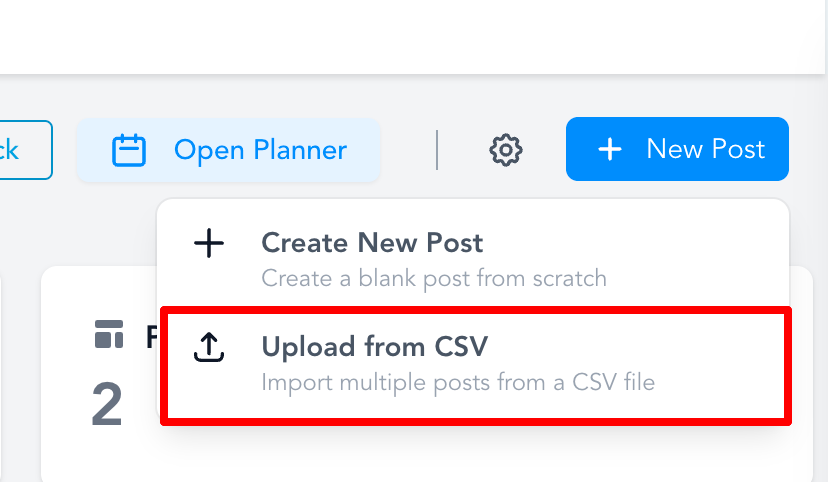
Download sample CSV
2)
Upload the CSV
with the details of the posts. Note - Each CSV supports up to 90 posts.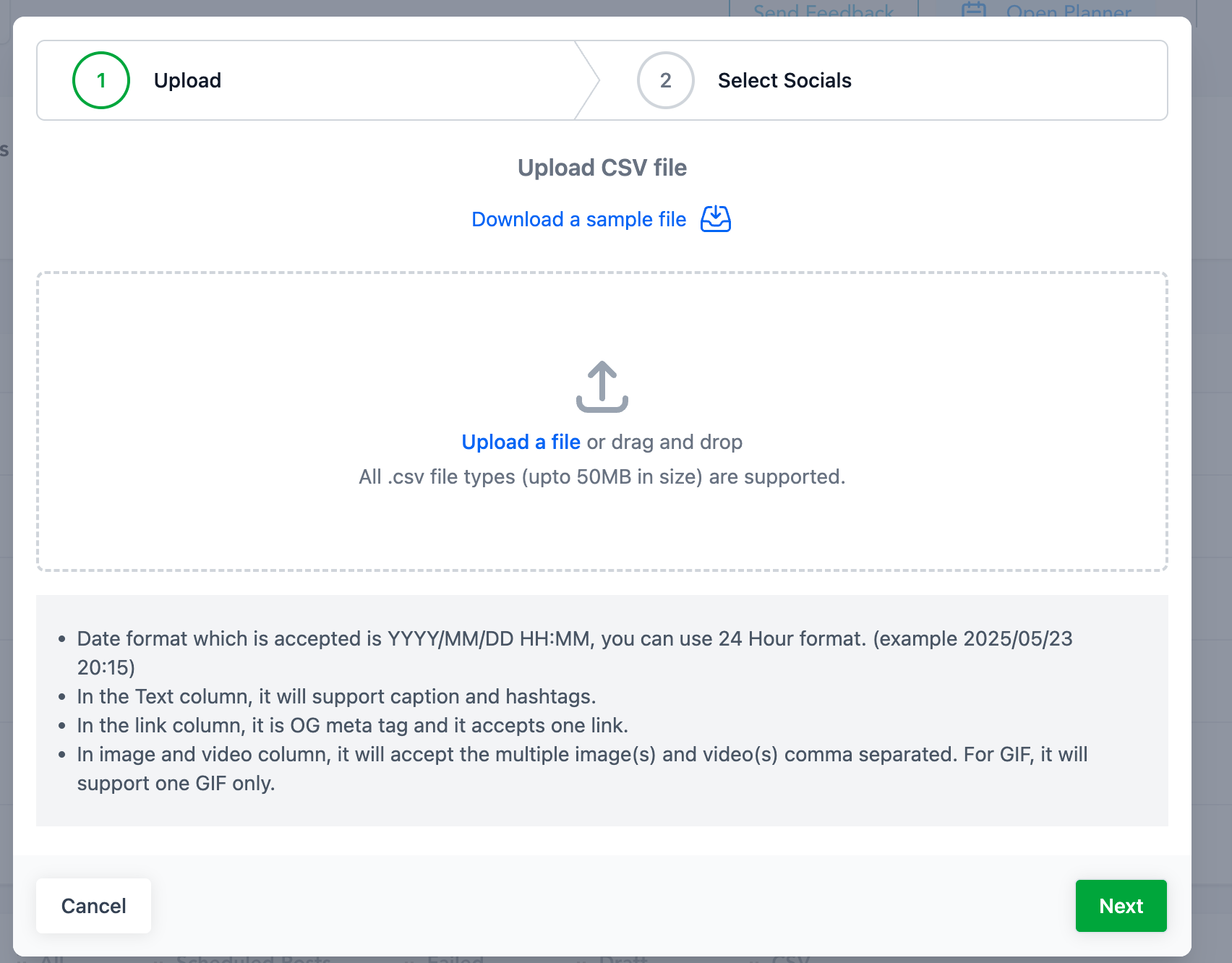
3)
Select the social media networks you want to schedule for
for bulk scheduling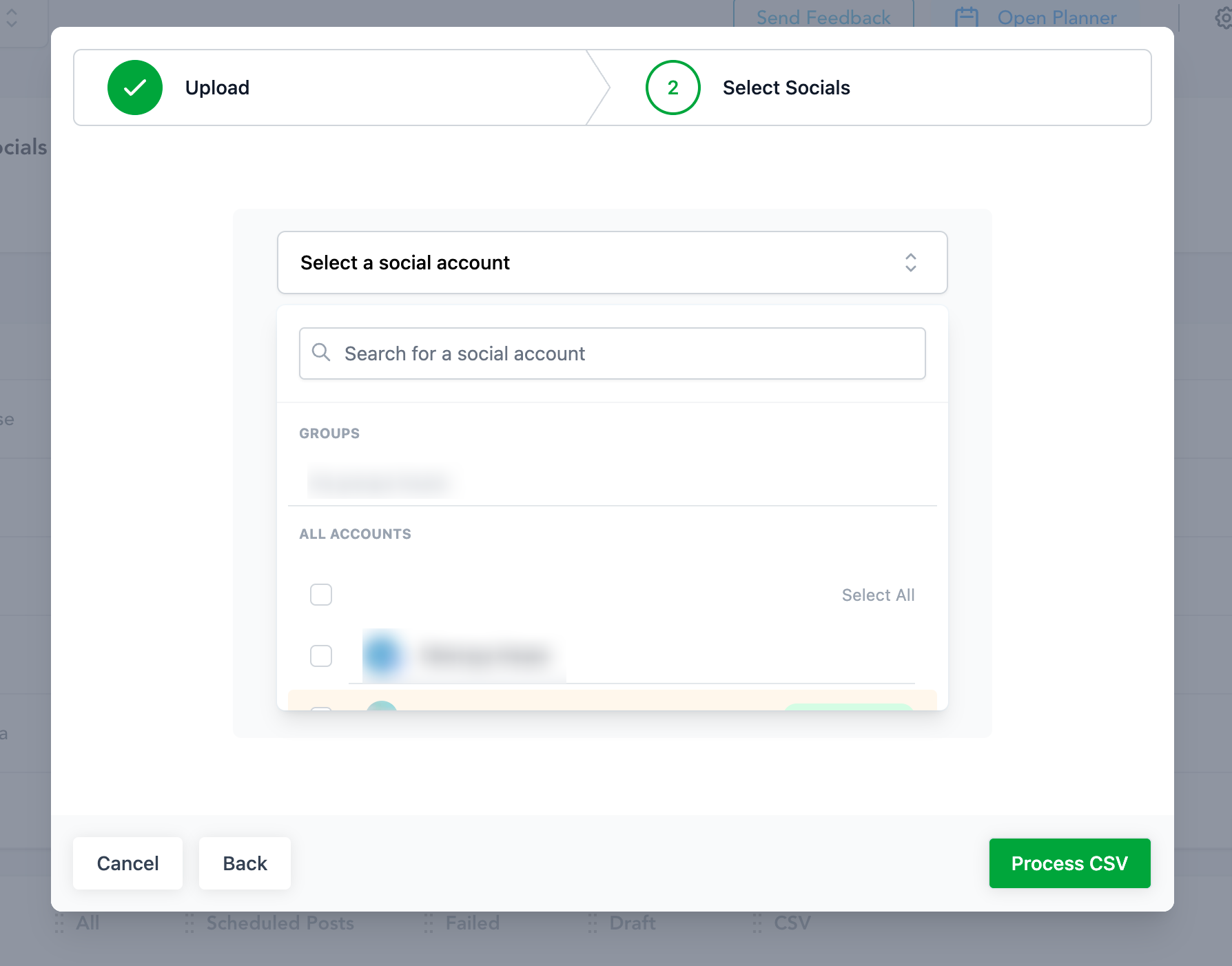
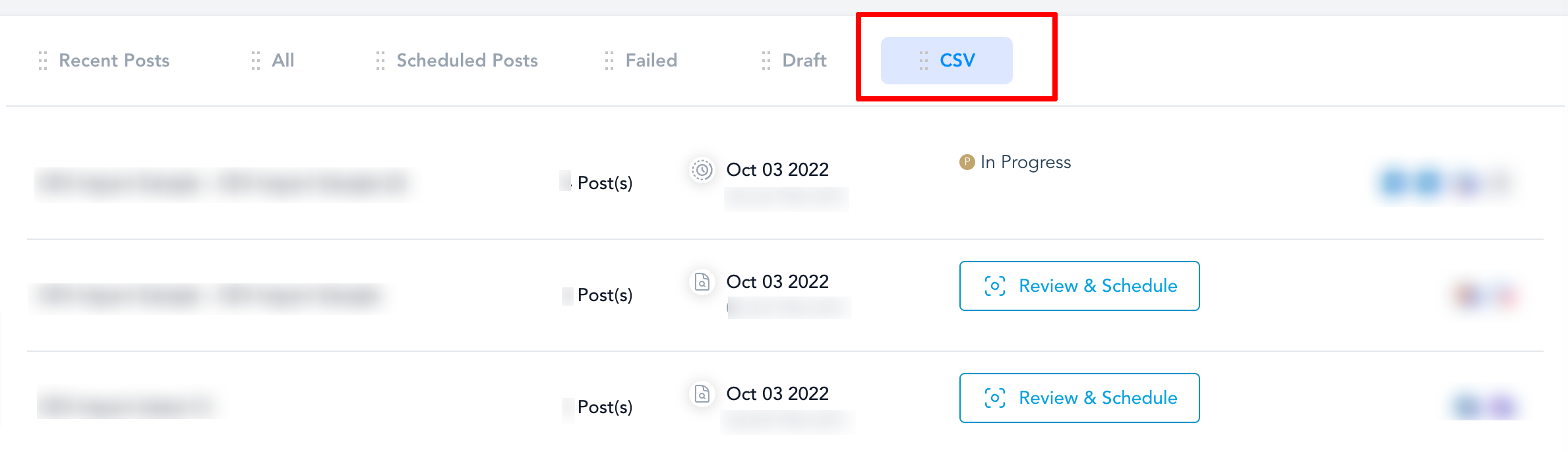
4)
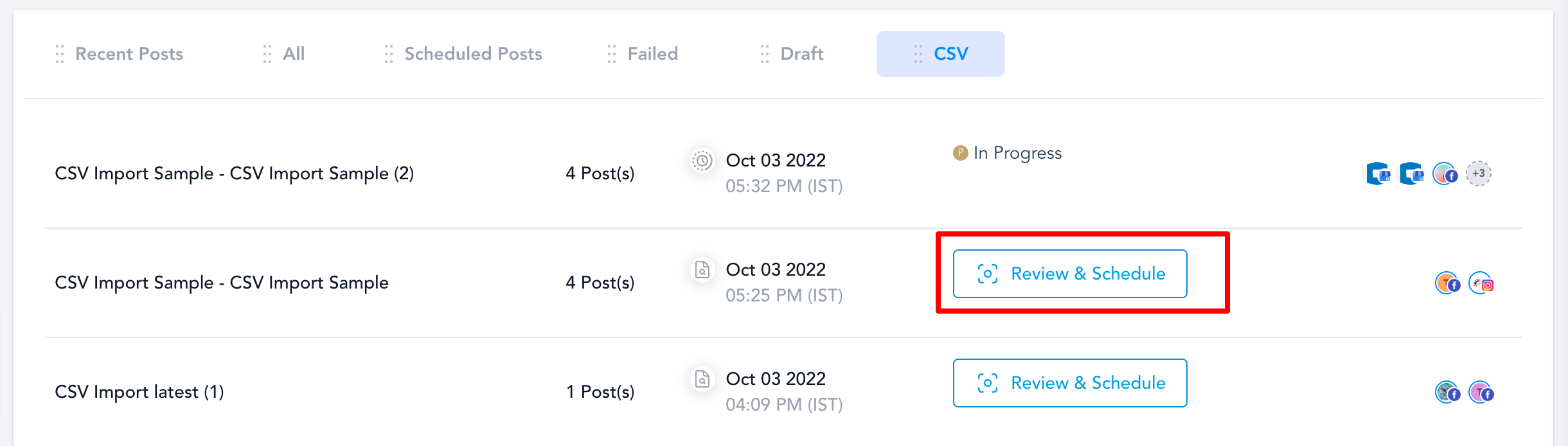
Check the status of CSV
- "In Progress" - CSV file is processing the content, links, images, and videos.
- "Review & Schedule" - The user can review the details and can make changes to the posts with errors or change the details of posts.
5.
Review and Schedule the CSV
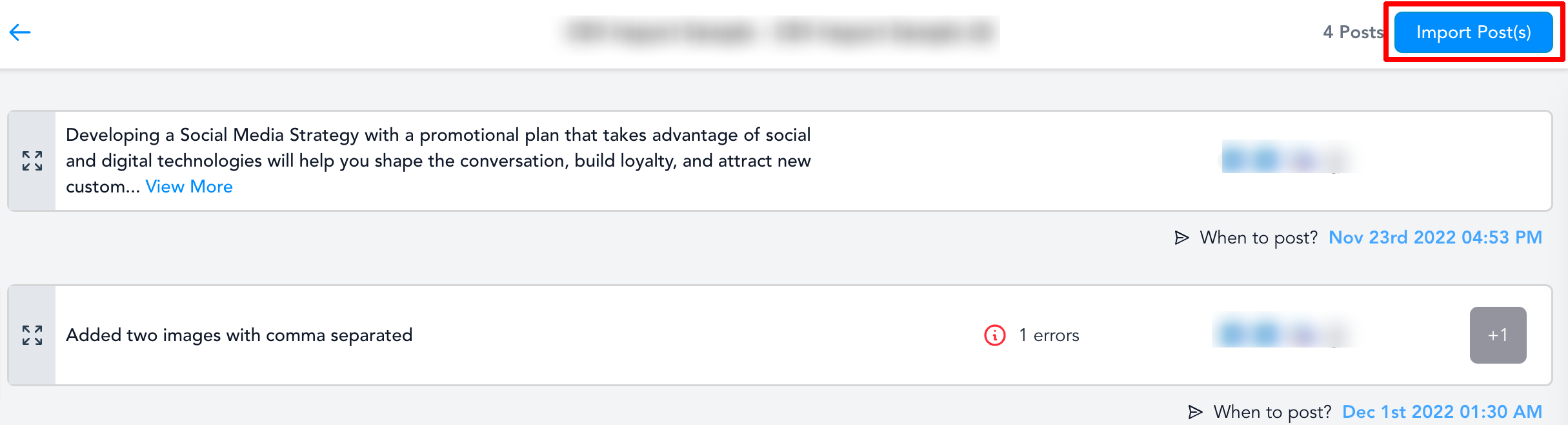
Review each post, if there are any errors in the post. Please change them and click save edits to add posts to the social calendar.
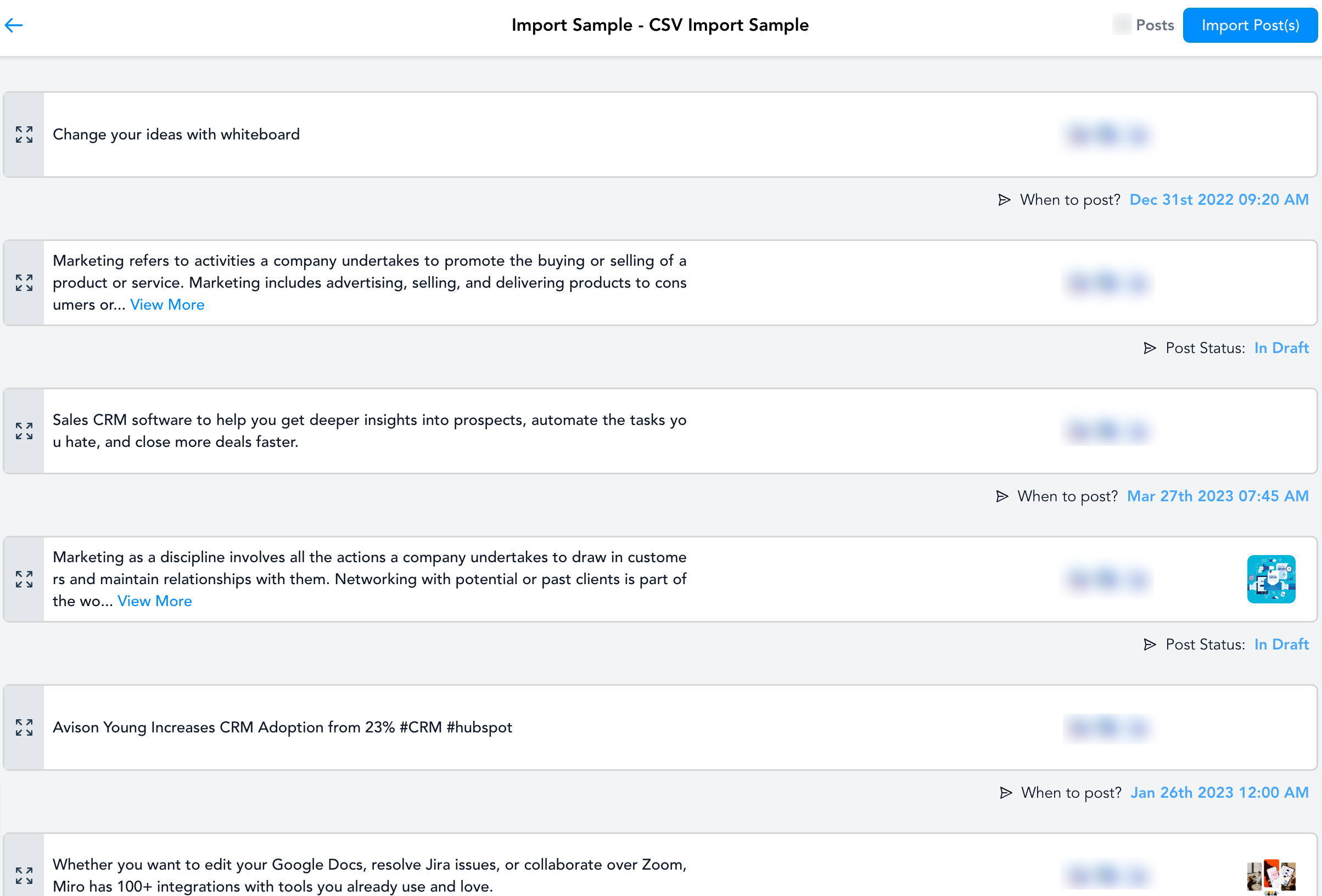
- Import all the posts in CSV - Click on Import Post(s) buttonto create a beautiful social calendar with scheduled posts.
_______
Help Articles
- How to schedule Posts in Bulk on the Social Planner?